An audience that chose you.
Build your own guest list with clear expectations and simple ways to leave.
Good food brings them in.
A thoughtful email brings them back.
A practical guide, twelve free templates, and a simple email generator. Everything you need to turn your next good idea into an email worth opening.
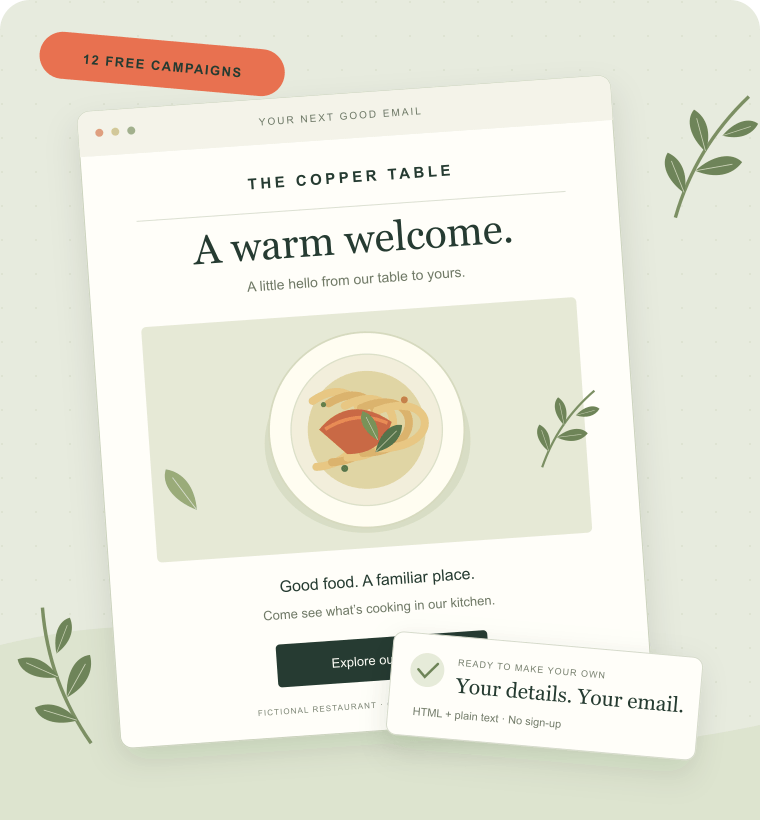 AN ORIGINAL EMAIL EXAMPLE, READY TO MAKE YOUR OWN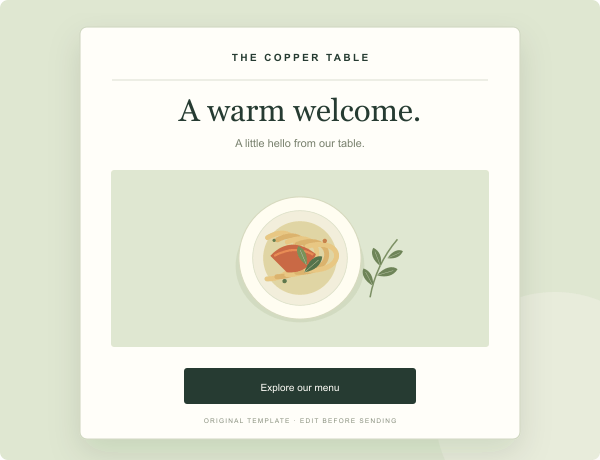
Start with a little hello and one clear next step.
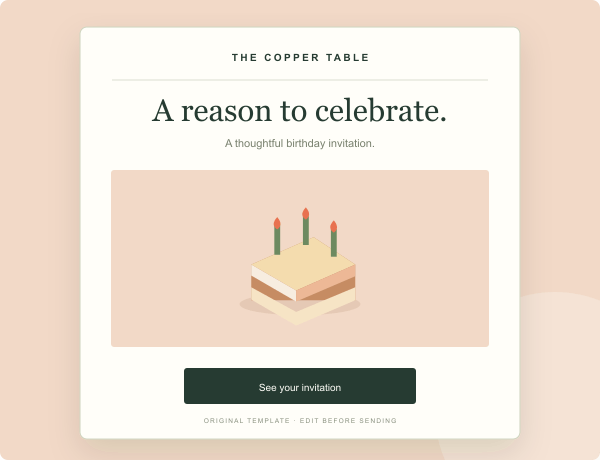
A thoughtful treat, with the details made clear.
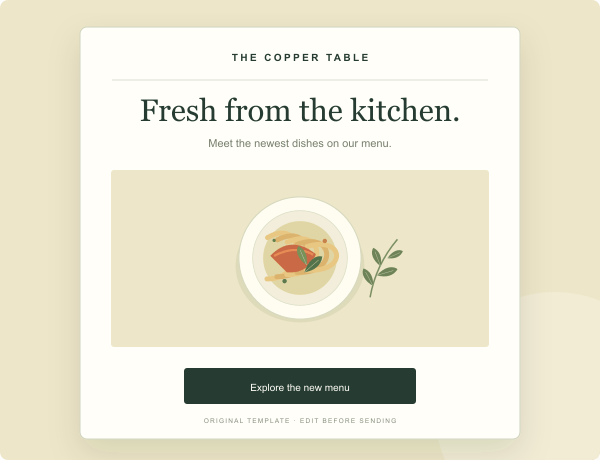
New dishes. A useful update. An easy invitation.
Your restaurant already has stories worth telling: a dish you are proud of, a good evening coming up, a reason to gather. Email gives you a direct way to share them with guests who want to hear from you.
The goal is useful communication that fits your restaurant. Begin with permission, write clearly, and make each message easy to act on. No grand promises about open rates or full tables—just a practical system you can improve.
Start with the six-step plan ↓Build your own guest list with clear expectations and simple ways to leave.
A menu, an event, a milestone. Give the reader something specific to open.
Link to the actual menu, reservation or offer details. Then check what happens.
Follow the whole path, or start with the part your restaurant needs today.
Put a clear invitation on your website, a small QR code near the bill, or an optional checkbox in your reservation flow. Tell people what they will receive. A reservation email address is useful for a booking, but it does not automatically mean the guest asked for promotions. Keep the source and permission record in your own email platform. Avoid purchased or scraped contact lists: they introduce trust, deliverability and platform-policy risks.
Build your guest email list ↗Start with a simple introduction: who you are, what the restaurant serves and what to expect from your emails. Give the reader one next step, such as viewing the menu or planning a first visit. A discount is optional. If you include one, explain the conditions and expiry date. In your sending platform, start the welcome flow after subscription and any required confirmation. Stop it when someone opts out.
Use a welcome email ↗A seasonal menu, an event or a weekly special gives you a reason to write. Focus each email on one main idea, then make the next step obvious. Add dates, availability and a useful destination link. Choose a frequency your team can maintain, rather than promising a weekly newsletter you cannot write. A four-week calendar is a sensible planning exercise; adjust it using your actual guests’ responses.
Plan a restaurant newsletter ↗Birthday and membership-anniversary messages can make a good invitation when the guest chose to receive them. Collect only the information the campaign needs, such as a voluntary month and day for a birthday message. Write offers your team can honor and explain redemption clearly. The generator provides content; your own email platform manages the audience, triggers and stop conditions. Do not send a reminder to a guest who has already redeemed the offer.
Create a birthday invitation ↗A win-back email should offer useful news, not pretend you know why someone has been away. A new menu or an upcoming event can be enough. Define inactivity in your own system and exclude unsubscribed guests and people who have recently returned. Email opens alone are a poor signal of a real visit. Keep the invitation warm, the message short, and the option to stop receiving it easy to find.
Try a win-back template ↗Connect a campaign to a practical goal: menu visits, bookings, orders or reward redemptions. Use your platform’s reports alongside booking and sales information, without treating an open as a customer visit. Watch unsubscribes and delivery issues too. Test a single change, such as the subject or the call to action, and compare like-for-like periods. A small, relevant list can be more useful than a large list that never chose to hear from you.
Choose your sending software ↗Choose a campaign, add your details and see a live preview. Copy or download your HTML and plain text, then send from your own email platform.
No login. No AI. Your input stays in your browser.
A warm hello. A little about your table.
An invitation to come by.
A suggested sequence, not a guaranteed growth formula. Adapt the pace to your team.
| Week | Your practical task | What to have by the end |
|---|---|---|
| 01 / Set the foundation | Choose a sending platform. Write the signup invitation. Check permission and opt-out handling. | A clear signup path and a test list you control. |
| 02 / Say hello | Customize a welcome email. Check the subject, destination link, address and phone layout. | A tested welcome message, ready in your own platform. |
| 03 / Share something useful | Pick one menu update, special or event. Write the offer conditions and a clear action. | Your first relevant campaign and a goal to measure. |
| 04 / Learn and repeat | Review clicks, bookings, opt-outs and delivery issues. Change one thing for the next campaign. | A manageable plan for the next month. |
Mailchimp, Brevo, MailerLite and Constant Contact offer different editing, sending and pricing models. Compare the actual contact and sending limits you need, not just an advertised starting price.
ActiveCampaign is a candidate when segments and automation matter. Consider the time needed to build and maintain the flow as well as the subscription. Start with the workflows you can actually support.
Toast and Popmenu cover broader restaurant needs. A POS or website package is not directly comparable to a standalone email plan. Verify email features, add-ons and integrations in the exact package offered to you.
Original examples, clear subject lines, and notes on what to change.
Find a campaign idea ↗YOUR NEXT CAMPAIGNPractical steps, effort and a useful email follow-up for each idea.
Choose your next step ↗CHANNEL CHOICESChoose by the guest's expectations, campaign and permission.
Compare the channels ↗Need a correction or have a template suggestion?
We would like to hear from you.
Start with a clear invitation to subscribe, a sending platform and one useful welcome email. Tell guests what to expect, include your restaurant’s real details and check the unsubscribe process. You can use our free templates to write the content, then test and send it from your own platform. The tools on this website do not collect your guest list or send messages.
Choose a schedule your team can sustain and your guests have reason to welcome. A menu announcement or monthly roundup can be a starting point, with separate messages for a relevant event or an opted-in birthday invitation. There is no universal best frequency. Watch clicks, bookings, unsubscribe feedback and delivery issues before adding more messages.
Use a specific subject, a useful preheader, a clear message and one main action. Give dates and offer conditions where they matter. Include your real sending identity, public business mailing address and a working unsubscribe or preference link, as appropriate to the message. Set the subject and preheader in your sending platform and test the final email on a phone.
Yes. Our original templates can be downloaded, edited and used in your own restaurant’s business emails without putting our branding in the message. The template license explains public redistribution and other boundaries. The license does not grant rights to another company’s logos or screenshots, and using a template does not guarantee that a particular sending practice complies with every applicable law.
No AI is required to write a useful restaurant email. Our generator uses a fixed set of editable templates in your browser. You still need a suitable sending platform to manage subscribers, handle opt-outs and send the email. Compare pricing models, sending volume, automation and any POS connections before buying. Confirm the current price and included features on the vendor’s website.
Editorial review: October 22, 2026. See our editorial process and the FTC's official CAN-SPAM guide. Our examples are illustrative; we do not promise campaign results.